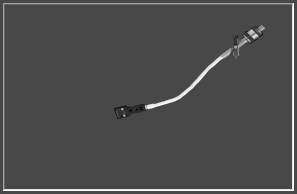
You can customise the turntable effect by changing the
images of the record player.
You can change the sound that is played in the '
Sounds' configuration.
 Record Preview
Previews the image file you have selected for the spinning record.
|
|
 Record Change
Browse for a new image file to replace the spinning record.
|
|
 Acceleration
When motion is detected, the record will speed up by this much.
|
|
 Cartridge Preview
Preview the cartridge image.
|
|
 Cartridge Change
Browse for an image to replace the current cartridge image.
|
|
 Ontime
When motion is detected, the record will spin for this amount of time (in seconds).
|
|
 Cartridge Arm Preview
Preview the current cartridge image.
|
|
 Change
Browse for an image to replace the current cartridge arm image.
|
|