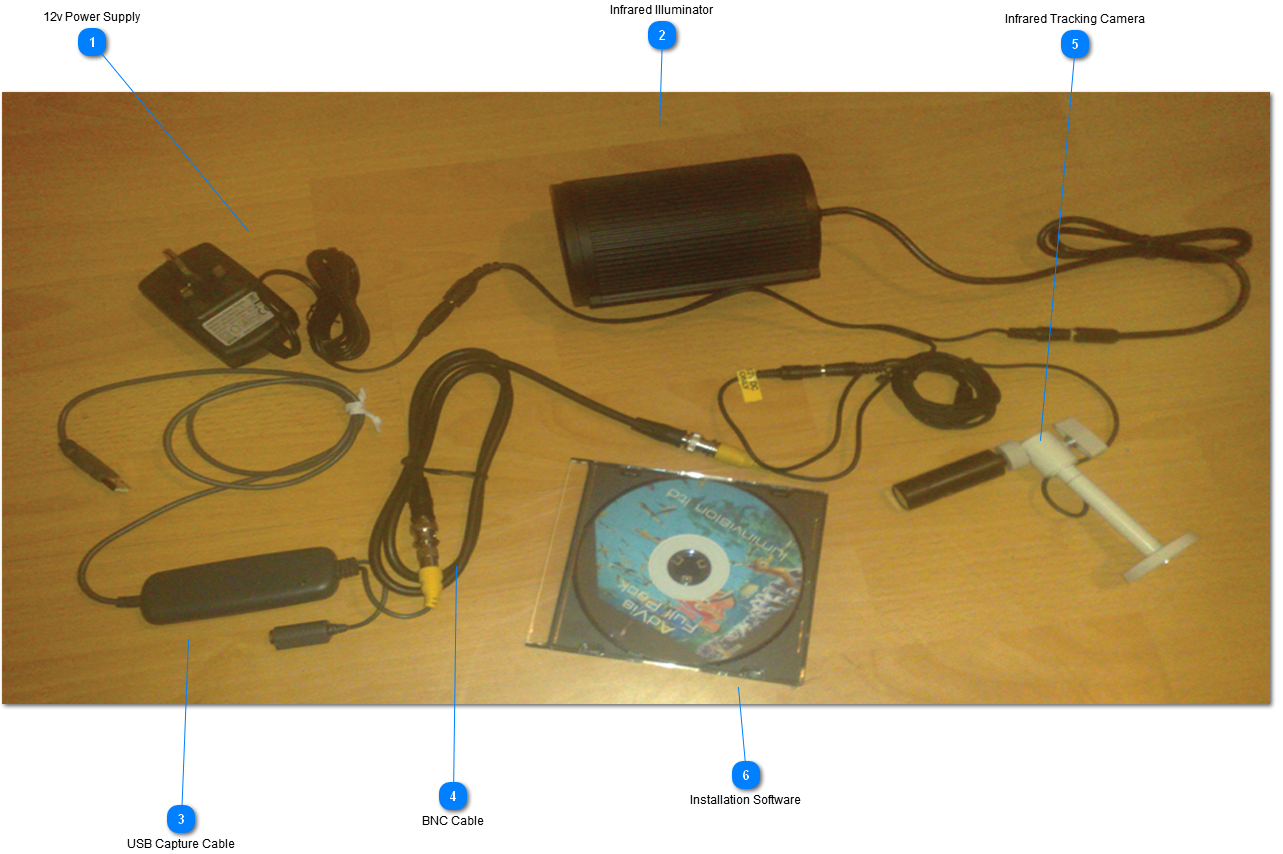
You can see from the image below how the components connect with each other and what each component does.
For optimum tracking, the tracking camera and infrared needs to be placed directly above the projection area, normally next to the projector. You need to make sure that the entire projection area can be seen within the camera feed, it's also recommended, but not necessary, that the camera view is lined up with the projection area so that the edges of the projection are straight. The camera is marked 'Top', and this should be facing the top of the projected image. See Configure AdVis for more information on configuring the tracking kit.
The BNC cable can be replaced with a longer cable so that the PC can be located far away from the tracking kit. The maximum length depends on the quality of the cable. 50m+ is possible. It's also possible, but not recommended, to use USB extenders.
The tracking kit uses a 12v Power supply and draws up to 1.5A.
 12v Power Supply
12v 1.5Amp DC Power Supply. Includes Y-lead to power tracking camera and infrared emitter.
|
|
 Infrared Illuminator
Creates an even beam of infrared light so the interactive system can be using in dark environments. Needs to aimed towards the projection area. The beam should cover the entire projection area.
|
|
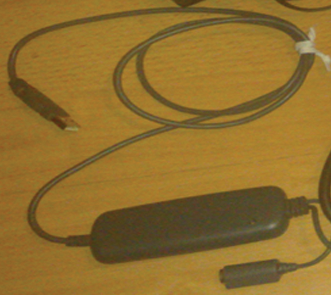
 USB Capture Cable
Connects the tracking camera to the PC via a USB port
|
|
 BNC Cable
USB cable carries the video signal from the tracking kit to the PC. Can be replaced with a longer cable for installations located far from the PC.
|
|
 Infrared Tracking Camera
Tracking camera needs to face the interactive projection area. It should be placed high enough so the camera feed captures the entire projection area.
|
|
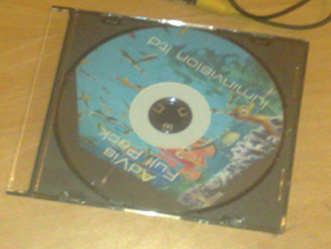
 Installation Software
The software will either come on CD with your kit, or can be downloaded from the internet. Insert CD or run the downloaded installation file to start the AdVis Installation. |
|